
AI Can Automate Google Forms Quizzes and Assessments
In this video, I explain how to integrate Conker.ai with Google Forms. This will allow you to generate quizzes and assessments using artificial intelligence technology.
AI-Powered Grading? Artificial Intelligence is Revolutionizing Assessments!
Ever wonder how artificial intelligence can help educators, or save time when planning or creating instructional materials? In this video, I demonstrate how to use an artificial intelligence platform called Conker.ai to save time creating assessments.
Master the FILTER Formula in ANY Spreadsheet Program!
In this video, I show how students, educators, and parents can use either the Google app or the Chrome app to get answers and more information to homework questions.
How to Use Your iPhone as a Webcam with Continuity Camera
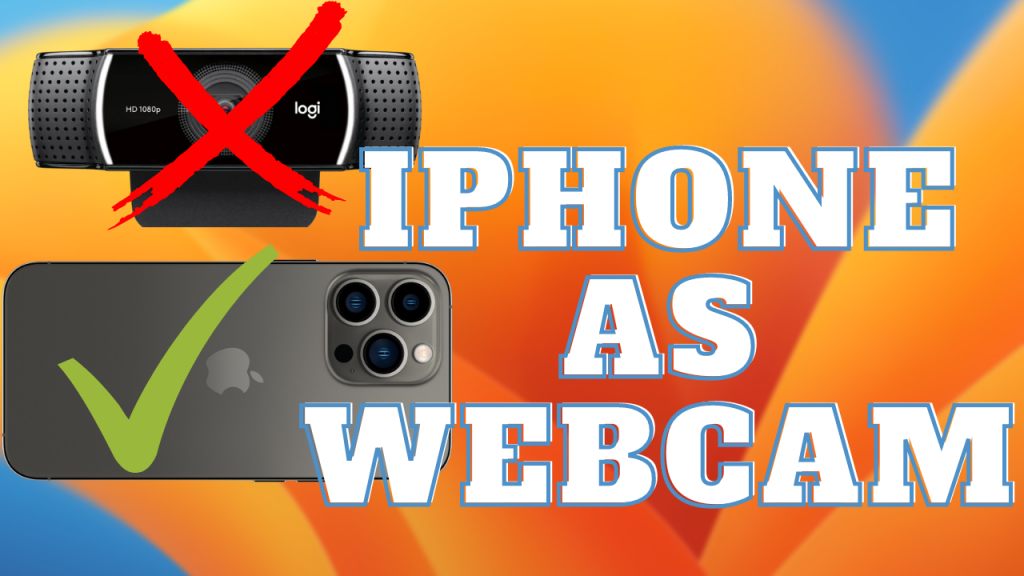
In this video, I provide a tutorial that shows how to use Continuity Camera, the new feature that pairs iOS 16 with MacOS Ventura to use your iPhone as a webcam wirelessly.
Save time and energy with Outlook Email Templates!

In this video, I demonstrate the steps necessary to create and use email templates in Microsoft Outlook. Email templates allow you to automate your workflow to be more productive when you find yourself sending the same or similar emails regularly. You won’t ever have to retype them or copy and paste the same text ever again!
Schedule Assignments to Multiple Classes in Google Classroom
In this video, I demonstrate how to use the new feature of Google Classroom that allows teachers to schedule assignments to multiple classrooms at a time. Teachers can choose to publish to all classes at once or customize the date and time of publishing the assignment, the assignment’s due date, and the topic that the assignment will go into.
How to Translate Live Conversations with Microsoft Translator
Microsoft Translator is a powerful accessibility app that can help anyone faced with a language barrier. In this video, I demonstrate how to use the app to hold live group conversations while having the conversation translated into the native language of every member of the conversation.
Homework Help with Google Lens
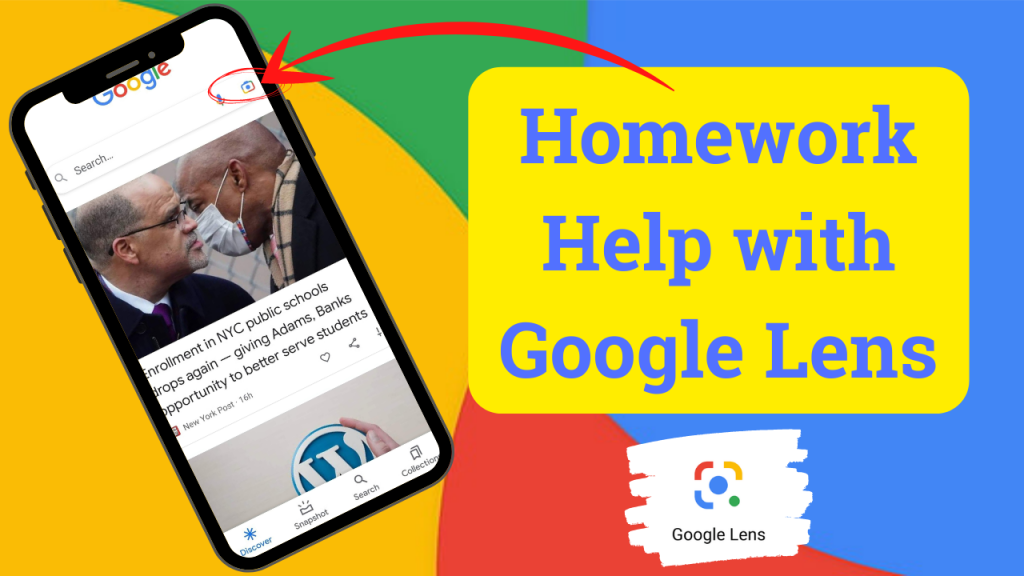
In this video, I show how students, educators, and parents can use either the Google app or the Chrome app to get answers and more information to homework questions.
Save Websites as Desktop Shortcuts
In this video, I show you how you can save your favorite websites not just as bookmarks in your browser but on your desktop as well.